As the creator of the hosted version at https://editor.toolspires.com/, I’m excited to share an in-depth look at miniPaint – a lightweight, browser-based online image editor that packs professional-grade tools into a completely free platform. Whether you’re a designer, hobbyist, or just need quick edits, miniPaint rivals paid tools like Photoshop for many tasks, all without downloads or installations.
miniPaint is an open-source free online image editor built with HTML5 Canvas, offering seamless performance directly in your browser. Try it now: https://editor.toolspires.com/
1. Advanced Layer System – The Core Power Feature
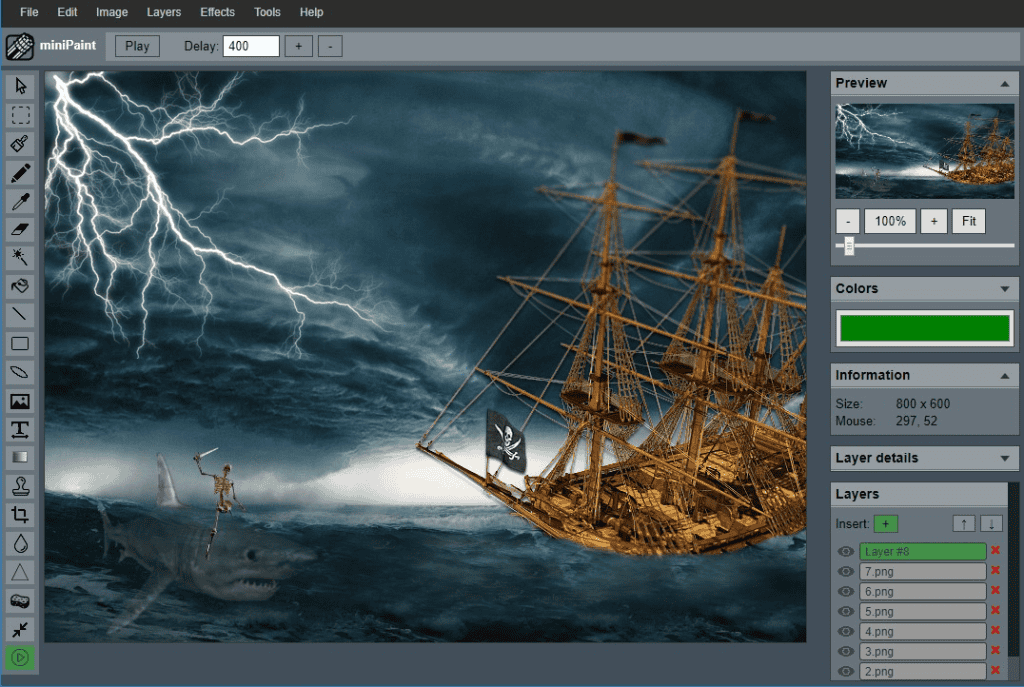
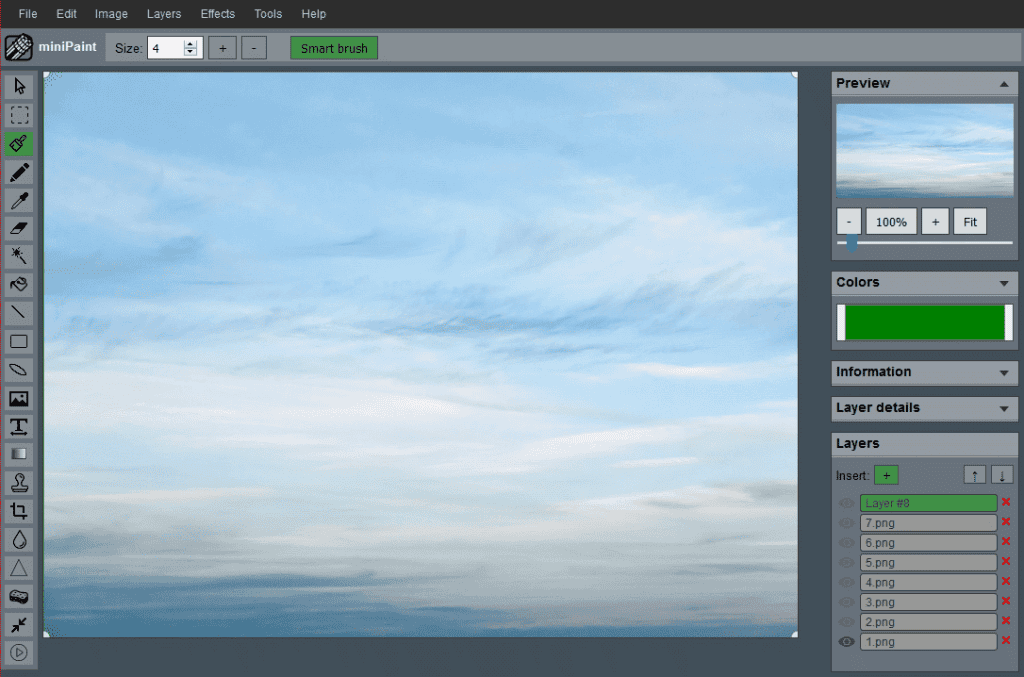
The standout feature of this online image editor is its robust multi-layer editing support, just like in professional software:
- Create, duplicate, merge, and flatten layers.
- Adjust opacity (Alpha channel) for each layer.
- Reorder, hide/show, and export/import layers in JSON format for complex projects.
- Real-time preview in the Layers panel on the right.
This makes miniPaint ideal for compositing, digital art, and advanced photo manipulation.

2. Over 30 Professional Filters and Effects
Access a huge library of filters via the top Filter menu – many with adjustable parameters and real-time previews:
- Blur effects: Gaussian Blur, Zoom Blur, Tilt Shift.
- Artistic styles: Oil Painting, Mosaic, Vintage, Sepia, Pencil Sketch, Night Vision.
- Enhancements: Sharpen, Denoise, Vibrance, Gamma, Solarize.
- Fun filters: Bulge/Pinch, Dither, Edge Detection, Emboss, Grains, Heatmap.
- Instagram-inspired: 1977, Lo-fi, Valencia, Inkwell, and more.
- Classics like Black & White, Negative, and Histogram Equalization.
Perfect for quick social media edits or creative experimentation in this free online image editor.
3. Pro-Level Tools for Precision Editing
The left toolbar is loaded with advanced image editing tools:
- Clone Stamp: Seamlessly copy and repair areas.
- Magic Wand: Select regions based on color similarity.
- Content-Aware Fill: Intelligently fill selections (similar to Photoshop’s magic).
- Color Replacement, Restore Alpha, and localized Blur/Sharpen tools.
- Text tool with font and size options.
- Crop, Rotate, Flip, and Resize (using high-quality Hermite resampling).
- Standard brushes, erasers, fills, and color pickers with advanced options like gradients.
Additional perks include brightness/contrast adjustments, EXIF metadata viewing, and support for saving in PNG, JPG, WEBP, GIF, and more.
Why Choose miniPaint as Your Go-To Online Image Editor?
- Completely free and open-source.
- No account required – instant access.
- Lightweight yet powerful for semi-professional work.
- Keyboard shortcuts, grids, and offline capabilities in some versions.
If you’re searching for the best free online image editor with layers, filters, and advanced tools, give miniPaint a try today at https://editor.toolspires.com/.
What are you creating next? Share your thoughts in the comments, or bookmark this for your next project! 🚀
Keywords: free online image editor, browser-based photo editor, miniPaint advanced features, online Photoshop alternative, image editing tools with layers